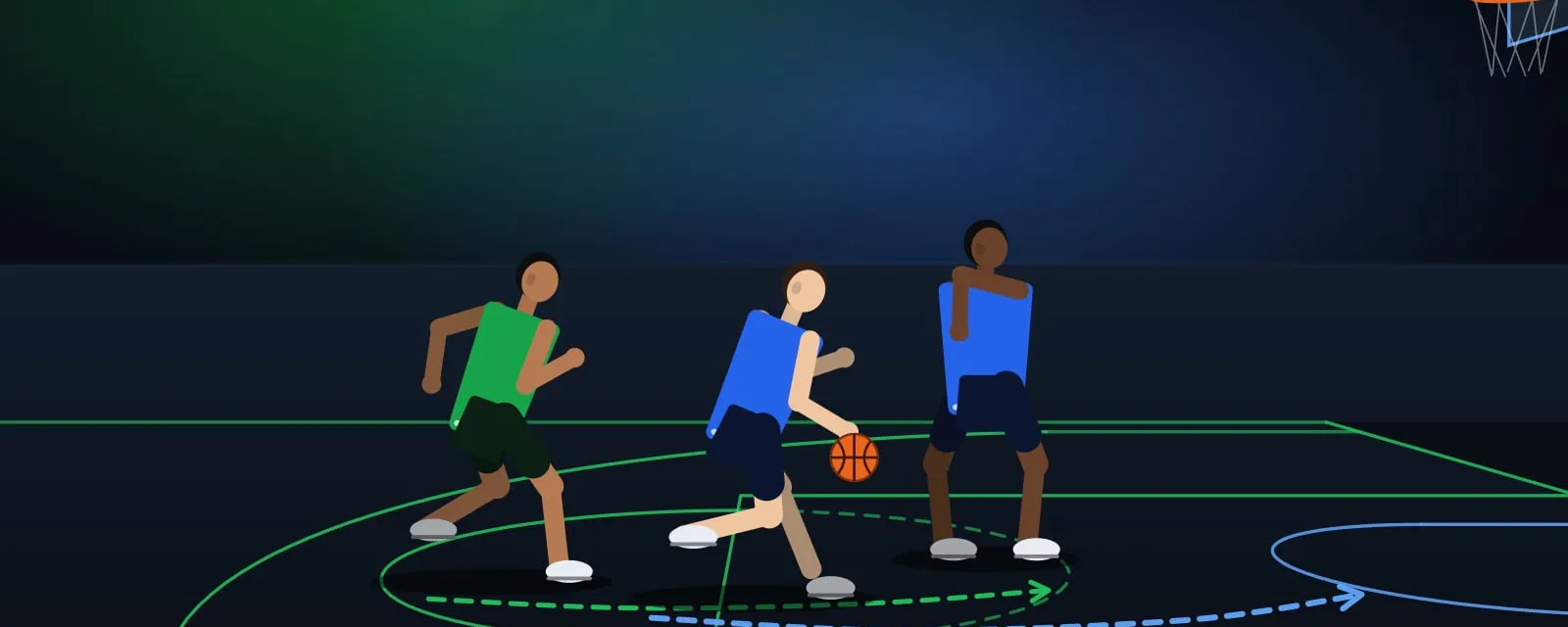
Reading the Screen: Fight Over, Slide Through or Switch
A screen is a question the offence asks your team. Learn the three standard answers and how to tell which one your coach wants.
Screens frighten young defenders because they feel like being trapped. They are not traps. They are questions, and you only need three answers.
The three answers
Fight over
Chase your player over the top of the screener. Use this when the attacker is a good shooter and you cannot afford to give them an open look. Keep your chest to the screener’s shoulder and make your body thin as you pass.
Slide through
Step between the screener and their teammate, behind the screen. This works well when your player is not a threat from the perimeter. Call “screen” early so your teammate guarding the screener steps back and opens the gap.
Switch
Trade defenders. You take the screener, they take your original player. This is the quickest solution when both defenders are close in size and speed, and it needs one loud voice to make it happen.
How to decide
Ask yourself three quick questions before the screen arrives:
- Is my player a shooter?
- How big is the screener compared to me?
- What did the coach ask for in this situation?
If the answer to the first is yes, fight over. If the screener is much bigger and your teammate is quick, switch only if you can talk to each other in time.
Talking makes it work
A screen defended in silence usually ends in an open shot. Use short, clear words:
- “Screen left” from the teammate who sees it coming.
- “Over” or “Through” from the defender being screened.
- “Switch” from either player, once and loudly.
Practise it slowly
Set up a three-on-three half-court game where the offence is only allowed to score off a screen. Rotate which answer the defence must use: five possessions fighting over, five sliding through, five switching. By the end of the session each answer will feel normal rather than panicked.